
That distinction matters because AI automation can save money, but only when it is attached to a real workflow.
By the end of the first planning pass, you should be able to name the workflow, estimate the manual cost, identify the systems involved, and describe the smallest useful version of the automation.
If a business cannot describe where work starts, who touches it, which systems it moves through, and what outcome should happen at the end, AI will not make the process better. It will only make the confusion move faster.
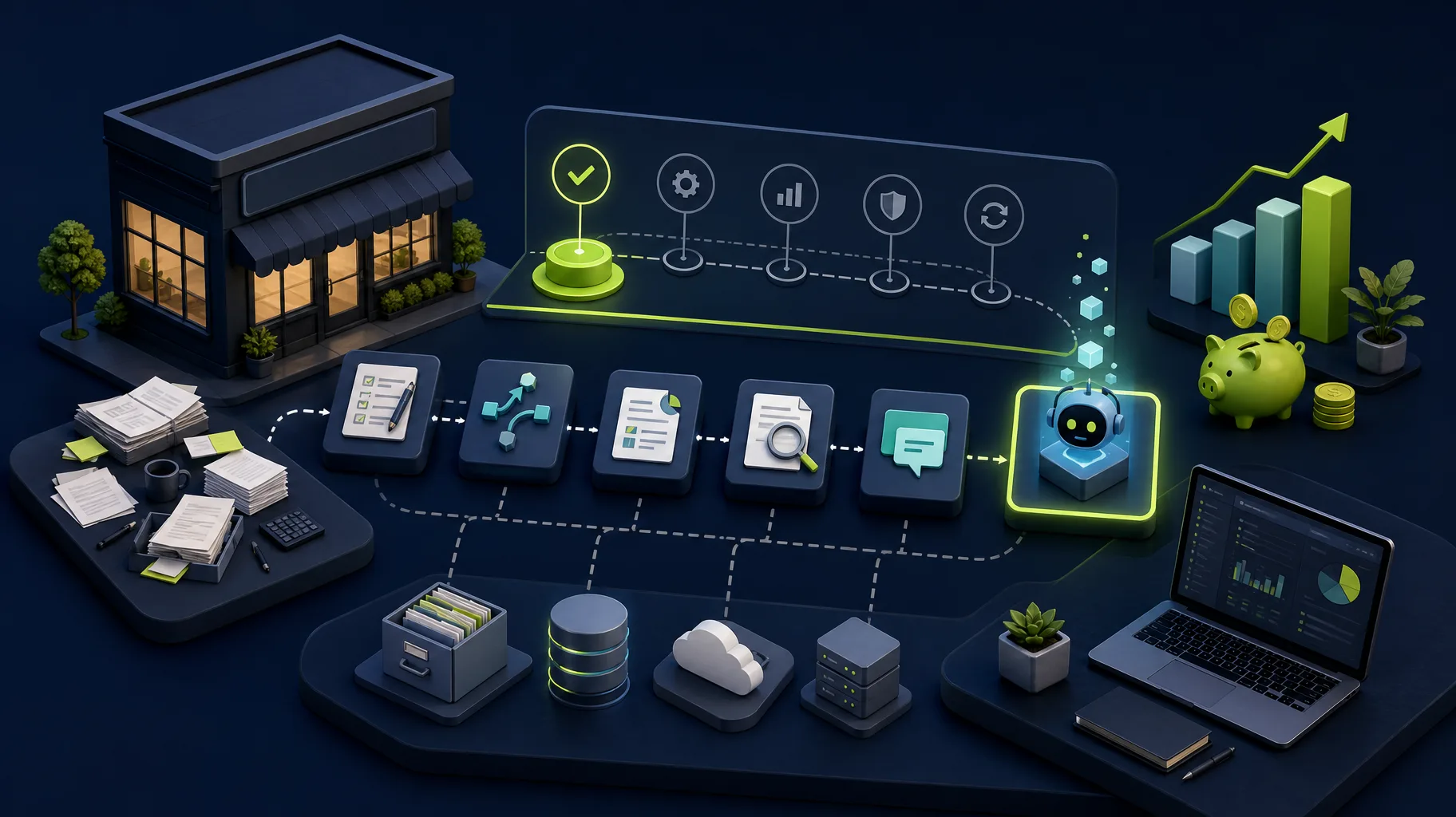
For small businesses, the affordable path is usually not a giant AI transformation project. It is a sequence:
- Audit the workflow.
- Remove unnecessary steps.
- Automate the obvious handoffs.
- Add AI only where judgment, summarization, classification, or drafting creates leverage.
- Build custom software only when the workflow is valuable enough to own.
That is how you get real automation without turning a simple operations problem into an expensive software project.
Start with the business bottleneck, not the AI feature
Small businesses usually ask about AI automation because they feel one of four pains:
- Staff are copying the same information between systems.
- Leads, requests, orders, or tickets sit too long before someone routes them.
- Managers cannot see what is happening without asking people for updates.
- Customers wait for answers because the back office is buried in manual work.
Those are workflow problems before they are AI problems.
The first question should be: where does work slow down, get duplicated, or disappear?
Once that is clear, you can decide whether AI belongs in the solution. Sometimes the best fix is a form, an API integration, a dashboard, or a better approval flow. Sometimes AI is useful because it can extract information from emails, summarize intake notes, classify incoming requests, draft responses, or help staff review inconsistent paperwork such as insurance forms, order details, referral documents, or customer support messages.
If the workflow touches sensitive customer, patient, financial, or operational data, the boundary matters. AI can draft, flag, extract, or summarize, but a human should approve the final decision.
The point is not to avoid AI. The point is to use it where it has a job.
A simple automation opportunity score
Use this table to decide whether a workflow is worth automating now.
| Question | Good automation candidate | Weak automation candidate |
|---|---|---|
| Is the work repetitive? | Happens daily or weekly | Happens occasionally |
| Is there a clear input? | Form, email, spreadsheet, file, API, or database record | Verbal request with missing details |
| Is there a clear outcome? | Record created, request routed, report generated, response drafted | Outcome changes every time |
| Is the current cost visible? | Hours, delays, errors, missed revenue, or customer complaints | Annoying but not measurable |
| Are rules already known? | Staff can explain the decision path | Decisions depend on one person’s intuition |
| Are exceptions manageable? | Most work follows a pattern | Every case is an exception |
If a workflow has clear inputs, clear outcomes, repeated volume, and visible cost, it is a strong candidate for affordable automation.
If the workflow is rare, unclear, political, or constantly changing, start with process design before software.
The best first workflows for small-business AI automation
The most affordable automation projects usually sit close to the administrative work people already do every day.
| Workflow | First version to build | Where AI helps | Avoid if |
|---|---|---|---|
| Manual data entry from emails or forms | Capture fields, validate them, and create records in the right system | Extracting messy text, classifying requests, drafting summaries | The source data is unreliable and no one owns cleanup |
| Customer or lead intake | Structured intake form, routing rules, notifications, CRM update | Summarizing needs, scoring urgency, suggesting next action | Sales process is not defined |
| Quote or estimate preparation | Pull known customer, product, or job data into a repeatable quote workflow | Drafting scope notes or comparing similar past jobs | Pricing logic is still negotiated from scratch every time |
| Status reporting | Dashboard or weekly report built from operational data | Summarizing changes, flagging unusual patterns | Data lives only in people’s heads |
| Internal request routing | Ticket, approval, or assignment flow | Categorizing requests and recommending owner | Team does not agree who owns each request type |
| Document review | Upload, extract, validate, and route documents | Summarization, field extraction, missing-item detection | Errors carry legal or compliance risk without human review |
Notice that none of these starts with “build a chatbot.” Chatbots can be useful, but many small businesses get more value from automating the invisible back-office steps that slow down customer work.
Affordable automation usually has levels
Not every workflow needs custom software on day one. A practical automation roadmap often moves through levels.
| Level | What it looks like | Best for | Typical risk |
|---|---|---|---|
| Workflow audit | Map current process, waste, data sources, owners, and automation candidates | Deciding what to automate first | No implementation unless followed by a build |
| No-code or low-code cleanup | Better forms, spreadsheets, notifications, or simple automations | Low-volume workflows with simple rules | Can become fragile as complexity grows |
| API integration | Connect existing tools so data stops being copied manually | CRM, billing, scheduling, reporting, or ticketing systems | Requires good field mapping and error handling |
| AI-assisted internal tool | Custom interface that uses AI for summaries, extraction, routing, or drafting | Repetitive knowledge work with human review | Needs clear boundaries so AI does not make unsafe decisions |
| Custom workflow application | Owned Laravel, Vue, or PWA system around the business process | High-value workflows that need control, reporting, and scale | Higher upfront scope and maintenance responsibility |
Somnio’s work usually starts by identifying which level the workflow actually needs. AI consulting and workflow automation packages can start with a focused audit or implementation plan, while larger AI-powered MVPs start at a higher budget when the business needs a full product loop, custom user roles, integrations, QA, deployment, and source-code handoff.
The affordable decision is not always the cheapest first task. It is the smallest task that proves enough value to justify the next step.
What not to automate first
Some workflows look exciting but make poor first automation projects.
Avoid starting with these unless the business case is unusually strong:
- A fully custom AI assistant before you know what questions customers ask.
- A complex multi-department workflow before each department agrees on the handoffs.
- A reporting system when the source data is incomplete or inconsistent.
- A replacement for human judgment in high-risk decisions.
- A large rebuild of existing software when one integration would remove the bottleneck.
Small businesses rarely lose money because they failed to automate everything. They lose money because a few high-friction processes quietly consume time every week.
Automate those first.
How a workflow audit keeps AI automation affordable
A workflow audit is the step that prevents small businesses from buying the wrong automation.
The audit should answer five questions:
- What workflow creates the most repeated manual effort?
- What data enters the workflow, and where does it come from?
- Which decisions are rule-based, and which require human review?
- Which systems need to exchange information?
- What measurable result would make the automation worth it?
The output should not be a generic AI strategy deck. It should be a ranked implementation plan with clear first steps.
For example:
| Finding | Practical first step | Why it matters |
|---|---|---|
| Staff copy lead details from email into a CRM | Build structured intake and CRM sync | Removes duplicate entry and missed follow-up |
| Managers ask for job status every morning | Build a dashboard from existing records | Reduces interruption and exposes bottlenecks |
| Requests arrive with missing information | Add validation and AI-assisted summaries | Reduces rework before staff spend time on the request |
| Reports take hours to assemble | Automate data pull and narrative summary | Frees skilled staff from recurring admin work |
This is where AI becomes practical. It is not the headline. It is one component in a better operating system.
What you should get from an AI workflow audit
A useful audit should give you more than a list of AI ideas. It should produce a practical implementation plan.
At minimum, you should leave with:
- A map of the workflow and where time is being lost.
- The systems, files, forms, and people involved.
- The first automation candidate ranked by value and risk.
- A recommendation on whether the first fix should be no-code, an integration, an AI-assisted tool, or custom software.
- The human review points where AI should assist but not decide.
- A rough implementation sequence so the project does not expand before the first result is proven.
For a service business, that might mean discovering that the right first project is not a chatbot. It might be a structured intake form that captures the customer’s request, checks for missing details, creates or updates a CRM record, routes the work to the right person, and drafts a follow-up email for staff to approve.
That first version may not replace anyone’s work. It may simply remove duplicate entry, reduce missed follow-up, and make the status of each request visible without another spreadsheet.
How to estimate whether automation is worth it
A simple estimate is enough for most first projects:
| Input | Example |
|---|---|
| People doing the manual work | 2 operations staff |
| Time spent per week | 6 hours each |
| Loaded hourly cost | $35/hour |
| Weekly cost | $420/week |
| Annual manual cost | About $21,840/year |
| Additional cost | Delayed follow-up, errors, rework, missed jobs |
If a focused automation project can remove most of that repeated effort and reduce errors, the business case becomes easier to evaluate.
This does not mean every project should be approved. It means the decision should be grounded in the cost of the workflow, not the novelty of AI.
The estimate should also include implementation risk. Before starting, ask who owns the workflow, what happens when AI is uncertain, where exceptions go, how errors are logged, and who monitors the automation after launch. Those details are what keep an affordable automation from becoming a fragile one.
If you need a quick starting point, use an AI savings calculator to estimate the range before scoping a project.
The Somnio point of view
Somnio builds AI-assisted software and workflow automation for small businesses that need practical systems, not AI theater.
Our bias is toward fixed scope, clear deliverables, senior developer review, and maintainable Laravel, Vue, and PWA systems. We would rather start with a workflow audit and build the right small thing than sell a business a broad AI transformation project it cannot absorb.
That matters for small businesses because ownership and maintainability are part of affordability. A cheap automation that breaks silently, locks you into a vendor, or cannot be changed by another developer is not actually cheap.
The right first automation should save time, reduce errors, make the workflow easier to see, and create a foundation for the next improvement.
Not sure whether your workflow needs AI, an integration, or just a cleaner process? A workflow audit should answer that before you commit to a build. Somnio can map the workflow, identify the highest-value first automation, and tell you honestly if AI is not the right first step.