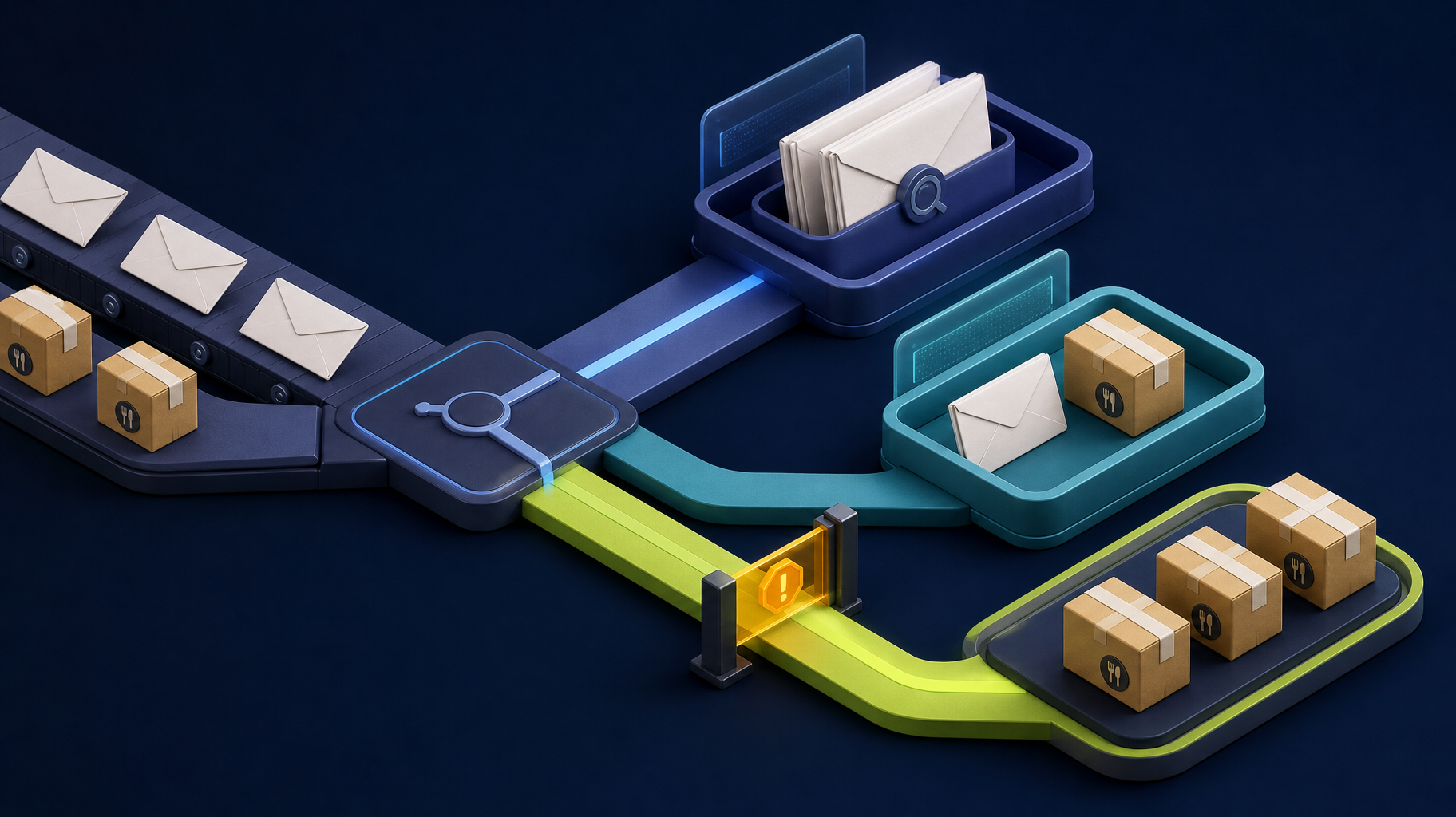
Custom internal tools are most valuable when they remove the workarounds employees use every day.
Those workarounds often look like spreadsheets, shared inboxes, Slack messages, manual reports, copy-and-paste updates, and status meetings that exist only because the real workflow is not visible anywhere.
Picture a service business where customer requests arrive by email, managers assign work in chat, updates live in spreadsheets, and billing waits for someone to reconcile the final status. A custom internal tool may be justified if that workflow affects revenue, response time, or customer trust every week.
Buy, build, or automate?
| Option | Choose it when | Avoid it when |
|---|---|---|
| SaaS | The workflow is standard and your team can adapt | You need heavy custom logic or ownership |
| No-code automation | A few tools need simple handoffs | Exceptions and scale make it fragile |
| AI workflow | Staff read, summarize, classify, or draft repeatedly | The data is clean and only needs syncing |
| Custom internal tool | The workflow is core and needs control | The process is still unclear |
The right answer depends on how unique and valuable the workflow is.
A practical v1 scope
The first version of an internal tool should not try to replace every system.
| V1 component | What it should do |
|---|---|
| Intake | Capture the request with required fields and attachments |
| Roles | Separate staff, manager, admin, and external user access |
| Workflow queue | Show status, owner, next step, and blocked items |
| Integration | Sync the one or two systems that create the most duplicate entry |
| Dashboard | Show the metrics managers currently assemble manually |
| Audit trail | Record important changes, approvals, and exceptions |
That scope is easier to launch, test, and improve than a large internal platform that tries to solve every department’s problem at once.
Signals that custom software may be justified
Custom internal tools make sense when:
- Employees use multiple systems to complete one task.
- Managers cannot see workflow status without asking people.
- Customers or staff wait because ownership is unclear.
- Reports are assembled manually.
- Existing SaaS creates too many workarounds.
- The workflow is central to revenue, delivery, compliance, or customer experience.
The goal is not to build software for every inconvenience. The goal is to own the workflows that make the business operate.
Total cost questions to ask
Before building, compare the cost of doing nothing with the cost of owning a tool.
| Question | Why it matters |
|---|---|
| How many hours are spent every week on the workaround? | Creates the savings baseline |
| What errors or delays does the workaround create? | Adds customer and revenue impact |
| What SaaS licenses are being stacked together? | Reveals hidden subscription cost |
| Who will own the tool after launch? | Prevents abandoned internal software |
| What support or maintenance is needed? | Keeps the tool reliable over time |
Where AI fits inside internal tools
AI should not replace the entire internal tool. It should handle specific knowledge-work steps.
Good AI jobs include:
- Summarizing long requests.
- Extracting fields from messy documents.
- Classifying request type or urgency.
- Drafting a response for human review.
- Turning operational data into a readable status summary.
The internal tool still needs permissions, validation, routing, notifications, logging, and a source of truth.
If the tool touches health, payment, payroll, legal, or customer-account data, access controls and audit logs are not optional. They are part of the product scope.
Somnio’s approach
Somnio builds internal tools with Laravel, Vue, APIs, dashboards, workflow queues, and AI-assisted features when appropriate.
Before implementation, we scope:
- The workflow.
- The users and roles.
- The data model.
- The systems to integrate.
- The reporting needs.
- The launch version.
- The handoff and ownership model.
This keeps internal tools from becoming another messy system.
Somnio is not usually the right fit for a one-off spreadsheet cleanup or a workflow that your team is not ready to standardize. We are a better fit when the internal tool needs integrations, reporting, permissions, AI-assisted steps, and long-term ownership.
Bottom line
Build custom internal tools when the workflow is important enough to own. Buy SaaS when the workflow is standard. Automate when existing tools are close but disconnected. Add AI only where it improves a specific step in the workflow.