Start with the workflow that breaks outside the platform
Custom software for HOA and property-management operations is not automatically a better replacement for a mature property-management platform. Standard systems can be the right place for dues, accounting, resident records, and routine communication.
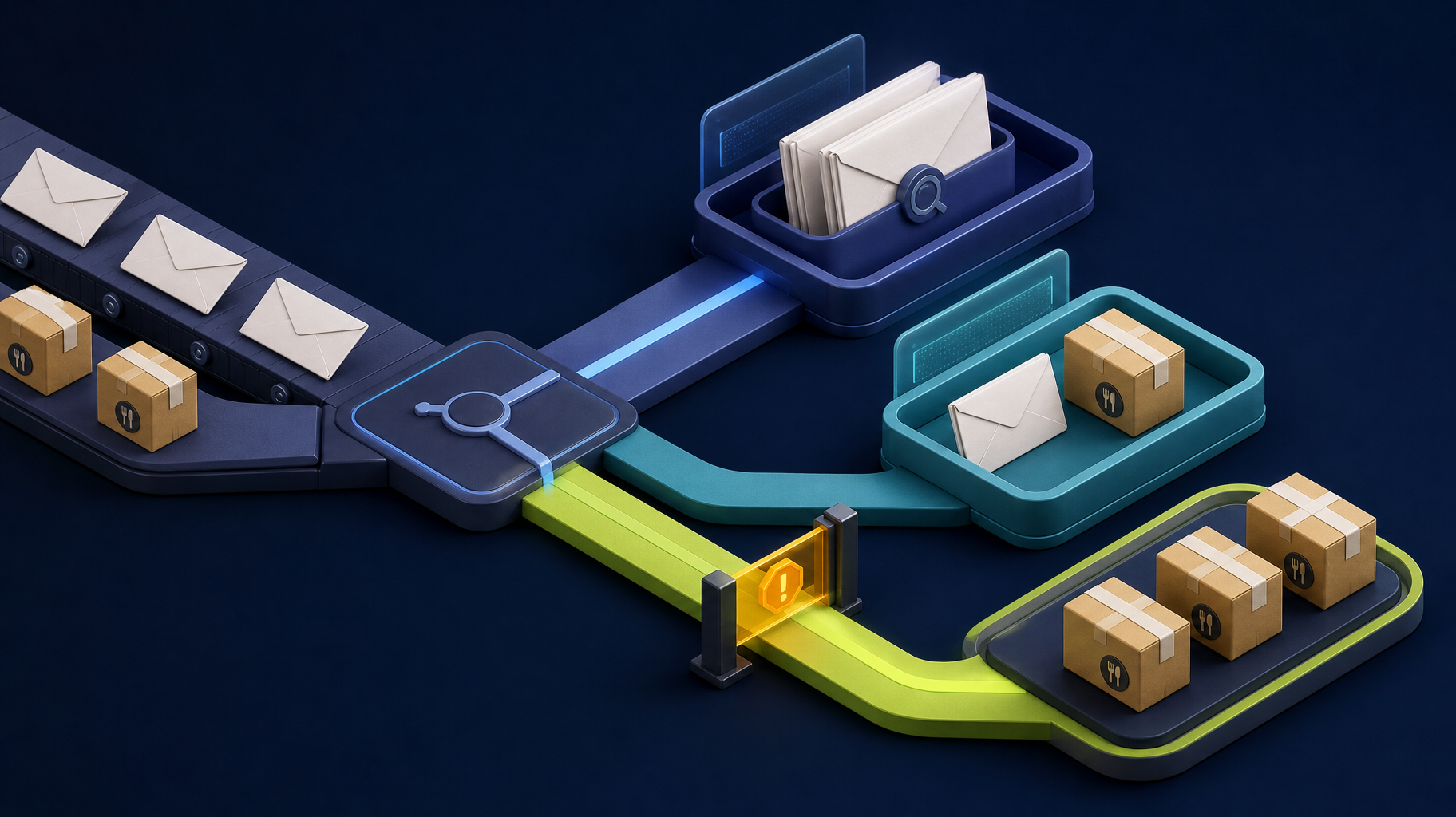
The warning sign is different: a critical process has escaped into inboxes, spreadsheets, shared drives, and status meetings because the current tools cannot reflect how the association actually works.
Examples include architectural review requests that arrive with inconsistent attachments, maintenance issues that pass between a resident, manager, vendor, and board member, or approvals that become impossible to audit after a long email thread. The first decision is not “Which software should we buy?” It is “Which workflow is creating the most avoidable friction?”
Somnio’s homepage describes an HOA workflow where AI file intake and repeatable handoffs reduced two days of manual work to ten minutes. That is one project context, not a universal outcome. The useful lesson is to measure the exact process before deciding whether to automate it.
Keep, integrate, or build?
Use this decision guide to avoid a costly all-or-nothing replacement discussion.
| Option | Choose it when | Watch for |
|---|---|---|
| Keep the existing platform | The workflow is standard and the team can use the available configuration | Paying for custom work when a process change or training would solve it |
| Add an integration | Two reliable systems hold the right data but staff re-enter it manually | Fragile connectors with no error handling or clear source of truth |
| Build a focused internal workflow | The workflow is unique, high-value, and needs roles, approvals, reporting, or audit history | Trying to recreate every accounting or resident-management feature |
| Add AI assistance | Staff repeatedly read, extract, classify, summarize, or draft from unstructured information | Letting AI make final decisions without review or documented rules |
The best initial build is often a narrow companion workflow, not a new property-management suite. It can connect to the systems the team already trusts while putting ownership, status, exceptions, and reporting in one place.
Protect the system of record and resident data
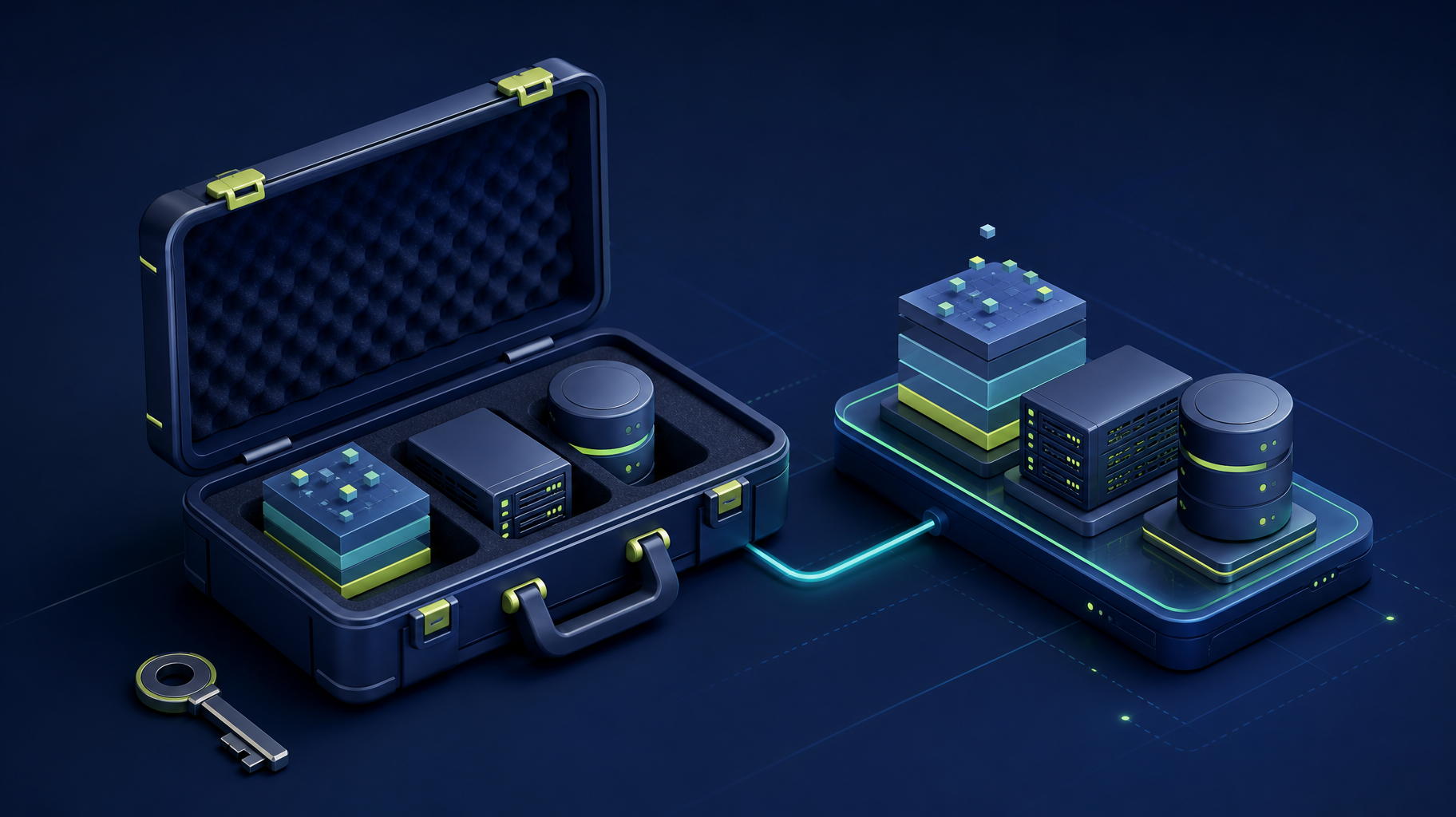
Before designing a companion workflow, decide which system remains authoritative for resident, financial, and board records. The companion application should own only the process state it needs, then synchronize deliberately with the established system. Confirm its API, export, and integration limits before treating a connection as part of the scope.
For resident disputes, rule enforcement, financial matters, and board decisions, the application should preserve the submission, reviewer, final decision, and communication history. It should support the association’s process and applicable policies, not independently interpret or enforce rules. Define role-based access, audit history, exports, retention, and vendor access before implementation. If a sync fails or duplicates a record, staff need a visible exception, owner, and reconciliation path.
Signs a custom workflow may be justified
Custom software becomes worth evaluating when several of these conditions are true:
- The same request is entered into more than one system.
- Residents or vendors cannot see the next step without emailing staff.
- Board approvals are scattered across messages and hard to reconstruct.
- Managers build reports manually because the operational status is not visible.
- A process requires unique forms, supporting documents, or exception logic.
- Staff rely on one person who knows how to reconcile the process.
- The workflow affects response time, compliance, resident trust, or vendor cost.
One annoyance is not enough reason to build. A repeated business process with measurable cost or risk is.
Four HOA workflows to evaluate first
1. Architectural review and document intake
Architectural requests often involve forms, photos, plans, rules, committee review, resident communication, and a permanent record. A focused workflow can provide required fields, document checks, a clear review queue, decision templates, and an audit trail.
AI may help extract fields from inconsistent attachments or summarize a long submission for reviewers. It should not become the authority on whether an application complies with association rules.
2. Maintenance and vendor coordination
The work begins with intake but continues through triage, assignment, vendor updates, completion evidence, and resident communication. If the team tracks that progress in email and a spreadsheet, a custom queue can give each request an owner, status, due date, attachments, and history.
The key design question is where the official record belongs. Define that before integrating a custom workflow with a resident portal, accounting system, or vendor tool.
3. Board approvals and exception handling
Approval workflows need more than a checkbox. They need the correct role, supporting documents, deadlines, a decision record, and a way to handle exceptions without silently changing the rules. A small internal application can make each step visible without exposing board-only information to every resident or vendor.
4. Operational reporting
If managers collect status from emails, spreadsheets, and multiple vendors before every board meeting, reporting may be the symptom of an unstructured workflow. Do not begin with a dashboard. First ensure that the underlying work records a clear status, owner, date, and outcome. Then the dashboard becomes a useful view instead of another manual task.
What a safe first version includes
For a focused HOA workflow, the first version usually needs fewer features than teams expect:
| V1 component | Purpose |
|---|---|
| Structured intake | Capture the request, required details, and attachments consistently |
| Roles and permissions | Separate resident, manager, board, staff, and vendor access |
| Workflow queue | Show status, owner, deadline, blocked items, and next action |
| Decision and audit history | Record approvals, notes, changes, and communications |
| One critical integration | Remove the most expensive duplicate-entry or status handoff |
| Simple reporting | Answer the questions managers and boards currently assemble by hand |
Leave broad resident portals, full accounting replacement, and every historical record migration for later unless they are essential to the chosen workflow. The goal is a usable process that can be tested with real work, not a second platform that creates more administration.
How AI fits without creating a governance problem
Property-management teams often receive unstructured information: resident messages, photos, PDFs, vendor invoices, meeting notes, and rule documents. AI can be useful for limited jobs:
- Extracting candidate fields from a submission.
- Classifying a request for staff review.
- Summarizing supporting documents.
- Drafting an acknowledgement or status update.
- Flagging a missing attachment or incomplete form.
The software still needs validation, role-based access, human approval, and a record of the final decision. For association rules, financial decisions, or resident disputes, make the AI output an assistive input, not the final authority.
A practical scoping checklist
Before asking for a quote, collect evidence for one workflow:
- Describe the trigger and the desired completed outcome.
- List every person, system, inbox, spreadsheet, form, and document involved.
- Capture three normal examples and three difficult exceptions.
- Estimate how much time the workflow takes in a typical week or month.
- Name the source of truth for each important record.
- Identify who can approve, change, and view each stage.
- Decide what a successful first release must prove.
This information supports a useful workflow audit. Somnio’s public audit is a one-week, fixed-price review of one focused workflow that maps the process, identifies risks, ranks opportunities, and recommends the smallest reliable next step. It may recommend a process fix or integration instead of custom development.
Roll out one process before expanding
Start with one request type, a named owner, and a small group of staff or properties. Keep the existing platform as the system of record while the new workflow proves that it can handle normal cases and exceptions. Train the people who will own the queue, review the first set of results, and expand only after the process, integrations, and audit trail are working as intended.
Bottom line
Custom HOA software is justified when an operational workflow is too important to remain a patchwork of inboxes and spreadsheets, not simply because an existing platform has limitations. Keep standard tools for standard work. Build or integrate around the unique process that creates the most repeated effort, unclear ownership, or resident friction.
If your team has one process that is slow, exception-heavy, or hard to report on, start with Somnio’s AI automation discovery and workflow audit before committing to a larger build. The audit may recommend configuration, an integration, or no new software when that is the safer answer.