Start with the work, not the app type
An enterprise mobile app is successful when someone can complete important work safely where the work happens: on a production floor, in a vehicle, at a customer site, or away from a desk. The architecture has to account for the conditions around that work, not just the interface shown in a planning meeting.
Direct answer: Design the first mobile release around one critical workflow, the data it needs, the device conditions users face, and the failures the team must recover from. Technology selection comes after those facts are clear.
For example, a field workflow may require a worker to receive an assignment, review instructions, capture photos, record a result, and submit it for office review. That sounds simple until connectivity drops, a photo upload fails, a supervisor changes the assignment, or two people edit the same record. Those are architecture decisions, not edge-case polish.
The enterprise mobile architecture checklist
Use this checklist before approving a build or choosing a framework.
| Area | Decision to make | Why it matters |
|---|---|---|
| Core workflow | What must a user finish from start to outcome? | Keeps the first release focused on business value |
| Roles | Who can view, change, approve, or export each record? | Protects data and prevents ambiguous handoffs |
| Source of truth | Which system owns each important record? | Prevents conflicting mobile and back-office data |
| Connectivity | What must work with weak or no signal? | Defines whether offline design is actually required |
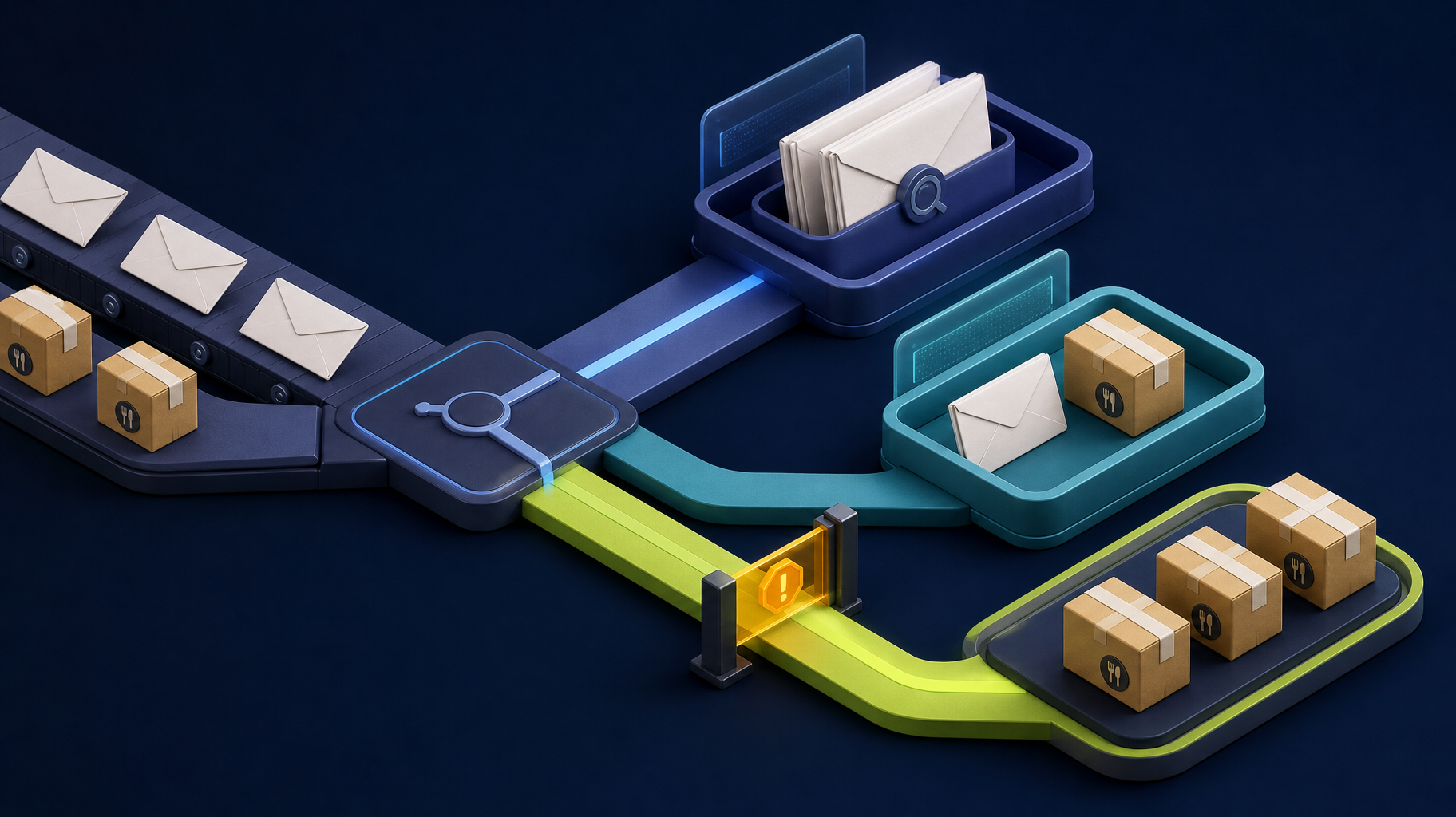
| Sync | How do edits, uploads, retries, and conflicts behave? | Makes recovery visible rather than silent |
| Device access | Are camera, GPS, barcode, Bluetooth, or background tasks essential? | Determines platform and testing constraints |
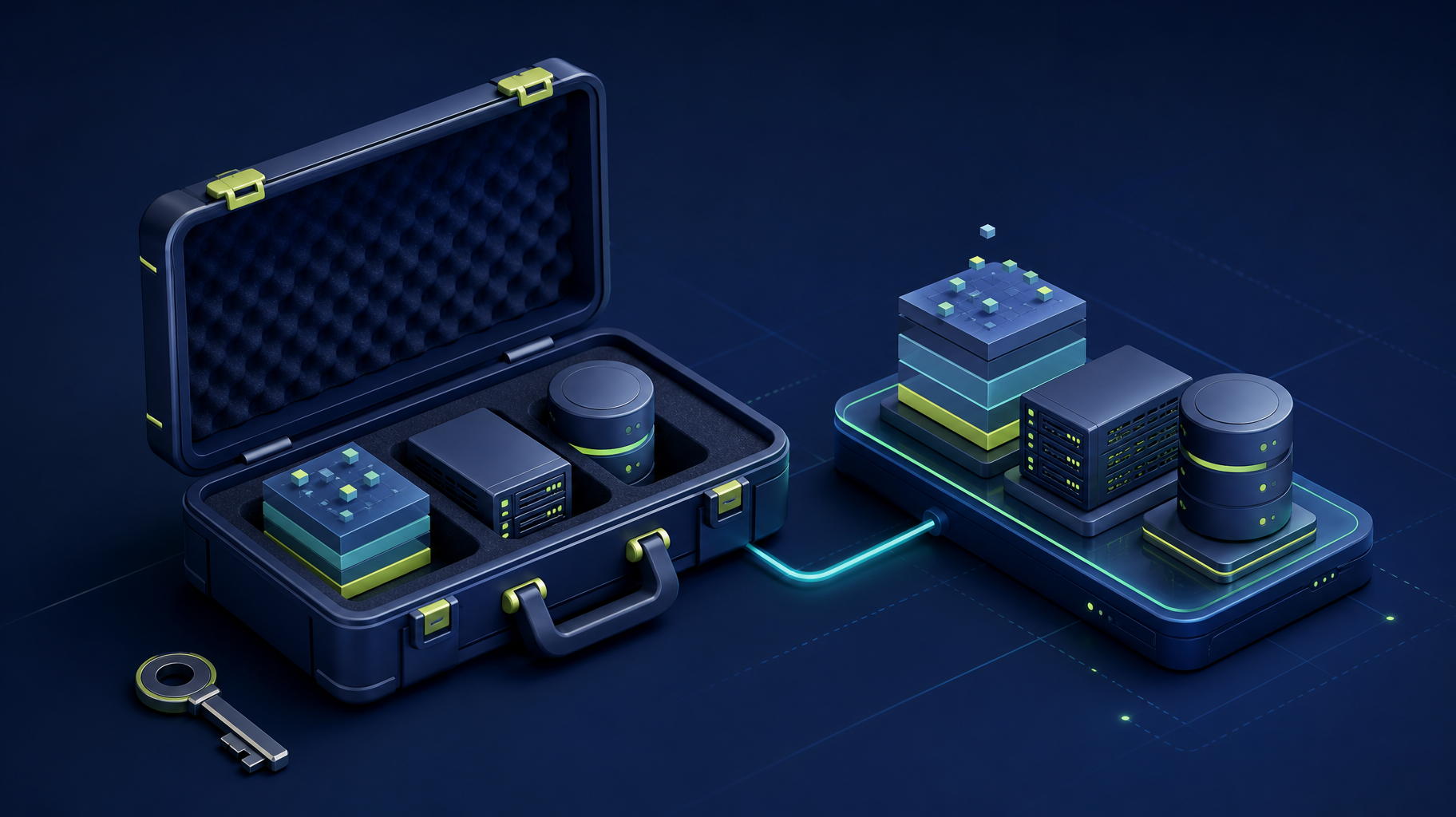
| Security | What data remains on the device and how is it protected? | Reduces exposure from shared, lost, or unmanaged devices |
| Integrations | Which APIs, notifications, and business systems are involved? | Makes failure ownership and mapping explicit |
| Operations | How will the team monitor errors, releases, and support requests? | Lets the product be maintained after launch |
Define one dependable workflow
Avoid a first release that tries to recreate every desktop screen. Write the workflow in plain language instead:
When this user receives this trigger, they can complete this action using these records and device capabilities, and the business can confirm this outcome.
Then document normal work and difficult situations. Include a missing required field, a duplicate submission, an expired session, a failed upload, a reassigned job, a revoked user, and a connection loss at the worst possible moment. If the team cannot describe what should happen, the architecture is not ready to be priced.
For operations teams, a mobile product should make the next action, current status, and unsent work visible. A fast screen that leaves records stranded is less useful than a slower workflow with a clear recovery path.
Treat offline work as a data design problem
Offline behavior is not a switch. It is a series of choices about which data is available locally, how long it is retained, which actions users can take, and how the application reconciles changes when a connection returns.
| Offline question | Example decision |
|---|---|
| What is available? | Today’s assigned jobs and the forms needed to complete them |
| What can change? | Notes, photos, completion status, and selected fields |
| What is restricted? | Sensitive records, broad customer searches, and irreversible approvals |
| How is data protected? | Device authentication, encrypted local storage, short retention, and logout cleanup |
| What happens on conflict? | Flag the record for review or apply a documented ownership rule |
| What does the user see? | Pending, syncing, synced, and failed states with a clear retry route |
Somnio’s published food processing PWA case study describes a project that replaced separate native apps with a Laravel and Vue PWA using encrypted offline storage and synchronization queues. The client reported a 95% reduction in monthly app maintenance costs. That is a project-specific result, not a universal estimate; the useful lesson is that offline behavior and support costs need to be designed together.
Decide what the device must do
Platform choices should follow the non-negotiable capabilities. A progressive web app can be a strong fit for shared operational workflows, forms, photos, status updates, and selected offline behavior. Cross-platform or native-grade delivery may be appropriate when the product relies on deeper hardware access, advanced background processing, app-store distribution, or performance characteristics that a web application cannot provide reliably.
Document each capability before choosing the stack:
- Camera, photo annotation, document scanning, or barcode input.
- GPS, geofencing, route updates, or location accuracy needs.
- Bluetooth, printers, sensors, or specialized hardware.
- Push notifications and what happens when they are delayed or disabled.
- Background uploads, synchronization, and device-management requirements.
- Shared devices, PIN access, lost-device response, and session expiry.
The related PWA versus native apps guide compares the delivery models for field work. This article addresses the architecture decisions that should be settled whichever model the team chooses.
Choose the delivery path from constraints
Use a delivery model only when it can meet the non-negotiable workflow. This is a first-pass decision tool, not a substitute for testing on the real devices and managed environments the team will use.
| Path | Strong first fit | Pause when | Delivery implication |
|---|---|---|---|
| Responsive web or PWA | Shared workflows, forms, status updates, browser distribution, and selected offline access | Deep hardware access, advanced background behavior, or a mandatory app-store strategy is central | One web delivery path with explicit offline and browser testing |
| Cross-platform app | iOS and Android distribution with mostly shared product behavior | A core feature has platform-specific performance or device constraints that the chosen stack cannot meet | Shared application logic, plus device and store-release responsibility |
| Native-grade integration | Camera, GPS, Bluetooth, sensors, background tasks, or device behavior is central to the product | The requirement is merely an app icon or a preference for native branding | More platform-specific validation, release work, and long-term support surface |
For a first release, define a pilot group, the workflow that group must finish, success measures such as completion rate or time saved, and a stop/go decision. Defer peripheral dashboards, secondary roles, and unproven device capabilities until the pilot proves that the core work is dependable.
Make integrations accountable
Mobile apps rarely operate alone. They commonly depend on CRM, inventory, scheduling, accounting, identity, reporting, or customer systems. “It integrates” is not an architecture plan.
For every connection, identify the source of truth, fields that move, allowed updates, validation rules, duplicate prevention, retry behavior, and the person who owns an exception. If an inventory lookup, job update, or customer record fails, the worker needs a clear response and the office needs a visible queue rather than a silent mismatch.
A Laravel API can provide a controlled boundary for mobile applications, including authentication, permissions, validation, queues, file handling, and integration retry logic. The framework is not the guarantee; the guarantee comes from naming the data ownership and failure paths before the screen depends on them.
Build security into the workflow
Security decisions should match the records and environment. A product handling customer, financial, health, payroll, operational, or location data may need stronger controls than a simple public-facing tool. Define role-based access, audit history, data retention, export permissions, device session behavior, and the process for a lost or replaced device.
Do not treat a mobile device as a trusted endpoint simply because a user signed in. Confirm which data is stored locally, whether it is encrypted, how long it remains available, whether screenshots or exports create a risk, and who can revoke access. For a regulated or unusually sensitive workflow, involve the appropriate security and compliance stakeholders before promising controls in a project scope.
Test the conditions users actually face
Test plans should include the devices, browser versions, connectivity, operating procedures, and exceptions the team will actually encounter. A mobile workflow that works in office Wi-Fi is not proven for a warehouse, vehicle, customer site, or shared tablet.
Before launch, test:
- The complete normal workflow on representative devices.
- Weak connectivity, connection loss, duplicate taps, and failed uploads.
- Offline creation, synchronization, conflicts, and visible recovery.
- Role restrictions, expired sessions, and revoked access.
- API failures, third-party outages, and retry behavior.
- A supervisor’s ability to find, reassign, or reconcile incomplete work.
- Release, rollback, monitoring, and support handoff procedures.
Bottom line
Enterprise mobile architecture is the discipline of making work dependable outside the office. Start with one valuable user workflow, then define the data, devices, connectivity, integrations, security, and recovery it requires. A focused architecture reduces expensive platform debates and gives the team a practical way to test whether the first mobile release can survive real operations.
If a team needs help turning field requirements into an implementation plan, Somnio’s mobile development services cover PWAs, cross-platform delivery, Laravel APIs, offline workflows, and native-grade integration when it is justified by the product.