Your team may not call it “manual data entry.”
They may call it checking the inbox, updating the spreadsheet, entering the job, copying the invoice details, cleaning up the CRM, or sending the weekly report.
But if people are retyping the same information between emails, spreadsheets, CRMs, accounting tools, job systems, and reports, the business is paying for the same data more than once.
Affordable AI automation starts by pricing that repetition.
Imagine a dispatcher gets a job note from a field worker, retypes it into the job system, then another person copies the same details into an invoice. If that duplicate entry takes 20 minutes per job across 20 jobs a week, the team spends about 6.7 hours a week retyping the same information. At $35 per hour, that is roughly $12,000 a year before errors, delays, or missed follow-up.
That is the kind of math that tells you whether a form, integration, AI extraction queue, or custom workflow is worth exploring.
What this looks like for a field-service company
Consider a 15-truck field-service company where job notes arrive by phone, text, photos, and email.
The current workflow might look like this:
- Field tech sends job notes and photos.
- Dispatcher retypes the details into the job system.
- Office staff copy approved job details into the invoice.
- Manager reviews a spreadsheet to see which jobs are incomplete.
- Customer follow-up waits until someone notices missing data.
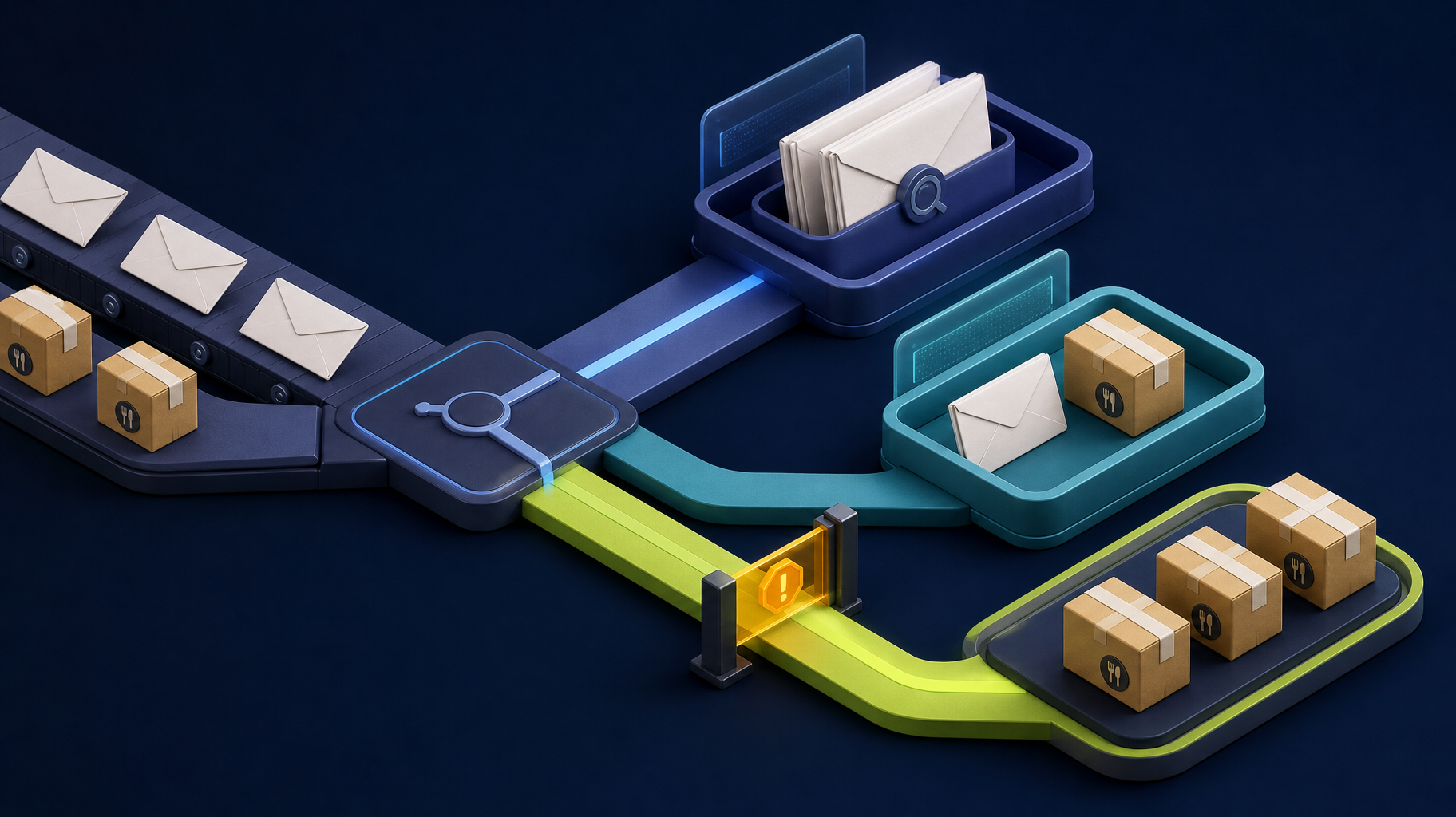
That workflow does not need a giant AI transformation. The first affordable fix might be a structured intake form, required fields, photo upload, validation rules, and a review queue. AI earns its place only when notes are messy enough that extraction, summarization, or classification saves staff time.
Match the solution to the source of the problem
| Manual data entry problem | Affordable first solution | When AI helps |
|---|---|---|
| Missing fields in requests | Structured form and validation | Drafting follow-up questions |
| Copying clean records between tools | API integration or sync | Usually not needed |
| Messy emails or notes | Review queue with extraction | Summarization and classification |
| PDF or document fields | Document intake workflow | Field extraction and confidence scoring |
| Manual reports | Dashboard and scheduled summary | Plain-language narrative summary |
Many businesses skip straight to AI extraction when the cheaper fix is better intake.
Cost ranges to think about before requesting a quote
Exact implementation cost depends on systems, access, data quality, security, and exceptions. Still, buyers can separate the conversation into levels.
| Level | Typical purpose | Budget conversation |
|---|---|---|
| Workflow audit | Decide what to automate first | Somnio’s focused Workflow Audit is delivered in 1 week for a fixed $2,000 |
| Structured intake cleanup | Replace messy email or phone intake with required fields | Often smaller than custom software if no deep integrations are needed |
| Direct integration | Move clean data between systems | Depends on API access, field mapping, and error handling |
| AI-assisted review queue | Extract or summarize messy inputs before human approval | Depends on document complexity, validation rules, and model usage |
| Custom workflow app | Own the full process, reporting, roles, and integrations | Requires a scoped software proposal rather than a generic automation quote |
Use the AI savings calculator before quoting. If the manual workflow costs $500 a month, a large custom build may not make sense. If it costs thousands a month and creates customer delays, a more durable system may pay for itself.
Affordable does not mean fragile
The cheapest automation is not always the most affordable. A fragile workflow can create more cleanup than it saves.
Look for these safeguards:
- Required field validation.
- Duplicate detection.
- Confidence scores for AI extraction.
- Human approval before source-of-truth updates.
- Error logs and retry paths.
- Clear ownership when a record cannot be processed.
Those details keep automation from becoming invisible risk.
For regulated or sensitive records, add approval before final write-back. Healthcare, payment, payroll, legal, and customer-account workflows need permission checks, audit logs, and rollback paths.
A practical implementation path
For most small businesses, the path looks like this:
- Map where data enters and where it must end up.
- Remove unnecessary fields and duplicate handoffs.
- Add structured intake where possible.
- Integrate systems that already have clean data.
- Use AI extraction only for messy or unstructured inputs.
- Add human review for risky updates.
- Track time saved, errors reduced, and delays removed.
This creates a system the business can trust.
Where Somnio fits
Somnio helps businesses decide whether they need a form, integration, AI-assisted review queue, dashboard, or custom workflow application.
When the workflow is core to the business, a custom Laravel/Vue tool can make sense because the business owns the process, code, and long-term roadmap. When the workflow is simpler, the answer may be a lighter integration or audit recommendation.
You can start with an AI workflow audit or estimate manual effort with the AI savings calculator.
Bottom line
Affordable AI data entry automation starts by making the workflow clearer. AI should handle messy interpretation. Software should handle validation, routing, logging, and system updates. People should approve the decisions that carry real risk.