
The difficult order is the one that needs a plan
An office can automate a clean order form and still spend hours dealing with forwarded emails, missing delivery details, and “please change yesterday’s order” messages. These exceptions determine whether automation removes work or creates a second inbox to supervise.
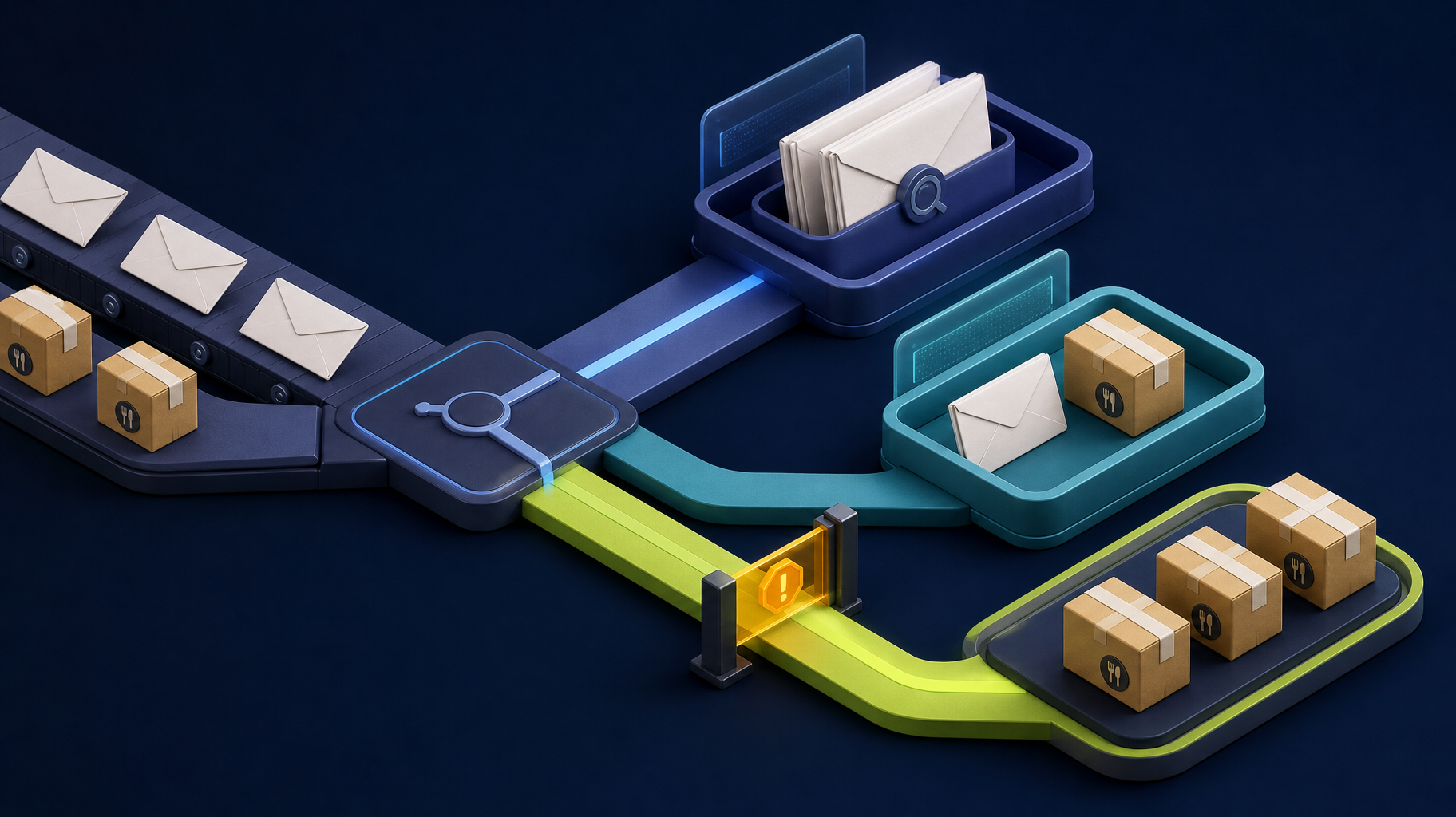
Order intake automation needs an explicit path for incomplete, repeated, and changed requests. Decide who resolves each exception and what the system is allowed to do while it waits.
This guide focuses on food delivery and service operations. It does not rank extraction tools; for that earlier decision, see document automation software versus a custom workflow.
Prefer a structured source when one exists
If an e-commerce platform already provides an order ID, customer ID, item list, and delivery details through an API, use that source where practical. Parsing the notification email can discard identifiers the business needs to detect repeated imports and track changes.
For requests that genuinely arrive as free-form messages, separate extraction from acceptance. An AI system may suggest fields, but validation must still check required information and permitted values. Never invent a missing address, quantity, or delivery date to make an order look complete.
Choose one system as the authoritative order record. Staff should be able to see the original request, the current accepted state, and any proposed change without comparing several spreadsheets.
Give each exception a destination
| Incoming condition | System action | Person or rule needed |
|---|---|---|
| Required delivery detail is missing | Hold the request as incomplete | Intake owner asks for the missing detail |
| Known source order ID is received again | Check whether this is a repeat or a changed version | Defined import and update rules |
| Similar request has no stable identifier | Flag a possible duplicate | Reviewer compares source messages |
| Customer changes an accepted order | Create a proposed change linked to that order | Cutoff and approval rules |
| Customer cancels an accepted order | Check current status and confirm any approved stop reaches fulfillment | Cancellation cutoff, payment/refund rules, and responsible owner |
| Destination system is unavailable | Keep the item pending and expose the failure | Retry procedure and escalation owner |
| Request cannot be interpreted reliably | Preserve the source and route to review | Staff completes the fields |
Do not turn every incomplete input into an accepted order with a warning. A status such as “received” must be distinct from “accepted” and “sent for fulfillment.” Customer notifications should reflect the real state.
Tell the customer when a request is received but not yet confirmed. For a proposed change, make clear whether the original order still stands while staff review it.
Make repeated processing safe
Networks fail and systems retry. An order can arrive again even when the first attempt was valid. The system needs a reliable way to recognize the same business event.
Somnio’s food delivery CRM case study describes using the e-commerce platform’s external order ID as a unique reference to prevent duplicate records during repeated imports. That is a specific published implementation detail, not a claim that every email contains a trustworthy order ID.
When several source systems are involved, the identity must include the source as well as its order reference. When a source supports order revisions, distinguish the order identity from the revision being applied. Otherwise, a legitimate update can be mistaken for a duplicate.
For email-only requests, a message ID can identify a repeated message, but a forwarded message may receive a new ID. Similar names and amounts are clues, not proof. Route uncertain matches to a reviewer rather than silently discarding a real order.
Treat changes as controlled updates
Suppose a customer changes a delivery address after an order has been scheduled. This is a hypothetical example. The important questions are whether the request matches the correct order, whether fulfillment has started, and whether the delivery system can still accept the change.
Record the old value, proposed value, source request, decision, and person responsible. If the change is approved, confirm it reaches the system that staff or drivers actually use. Updating the CRM while leaving the dispatch record unchanged creates two conflicting versions of the job.
Set a rule for late changes. Some may proceed automatically under agreed conditions; others need a dispatcher. The software should show the reason for a hold and the next action, not merely a red error label.
Build a review queue staff can finish
Each review item should show the original message, extracted fields, reason for review, deadline, and current owner. Staff need clear actions: approve, correct, request information, reject, or escalate. Preserve a record of the decision.
Assign a backup owner for absences. Watch the age of the oldest unresolved request as well as the total count. A small queue can still contain an urgent order that nobody has claimed.
Prioritize by delivery or service deadline as well as age. Set review coverage for the hours orders arrive, and define who acts when a cutoff approaches.
If AI assists with reading messages, review some apparently successful results too. A confidence score does not prove that the address or requested date is correct. Decide review requirements from the consequences of an error and observed performance on your own inputs.
Reconcile before replacing the manual process
Run the new intake path against representative real work under agreed controls. Avoid duplicate customer messages, fulfillment instructions, and payment actions during this comparison. Repeated imports must not charge a customer again. Define when payment authorization or collection occurs, and what happens if an order is rejected or canceled. Match incoming requests to accepted orders and explain every missing, duplicate, or changed record.
The CRM case study describes a parallel-run reconciliation against existing spreadsheets before cutover. Its migration took three months; that is one project’s timeline, not a standard duration for order automation.
Define who can pause imports and how staff will continue manually. Preserve pending work so a pause does not lose requests. When service resumes, check what was already completed before retrying downstream actions.
Test the busiest expected period, including the review queue and staff coverage. A fast import is not enough if unresolved orders accumulate past their delivery cutoff.
Know when a smaller change is enough
A required-field form, a supported native integration, or a clearer staff procedure may solve the problem without custom software. Custom work becomes more useful when existing tools cannot express the required approval, update, or reconciliation rules.
Start by collecting examples of the exceptions that consume the most effort. Count how often they happen, who resolves them, and what goes wrong when they are missed. Use automation pilot success metrics to measure the result after a change.
If you need help mapping those decisions, review Somnio’s Workflow Audit. Bring the difficult orders as well as the clean ones.