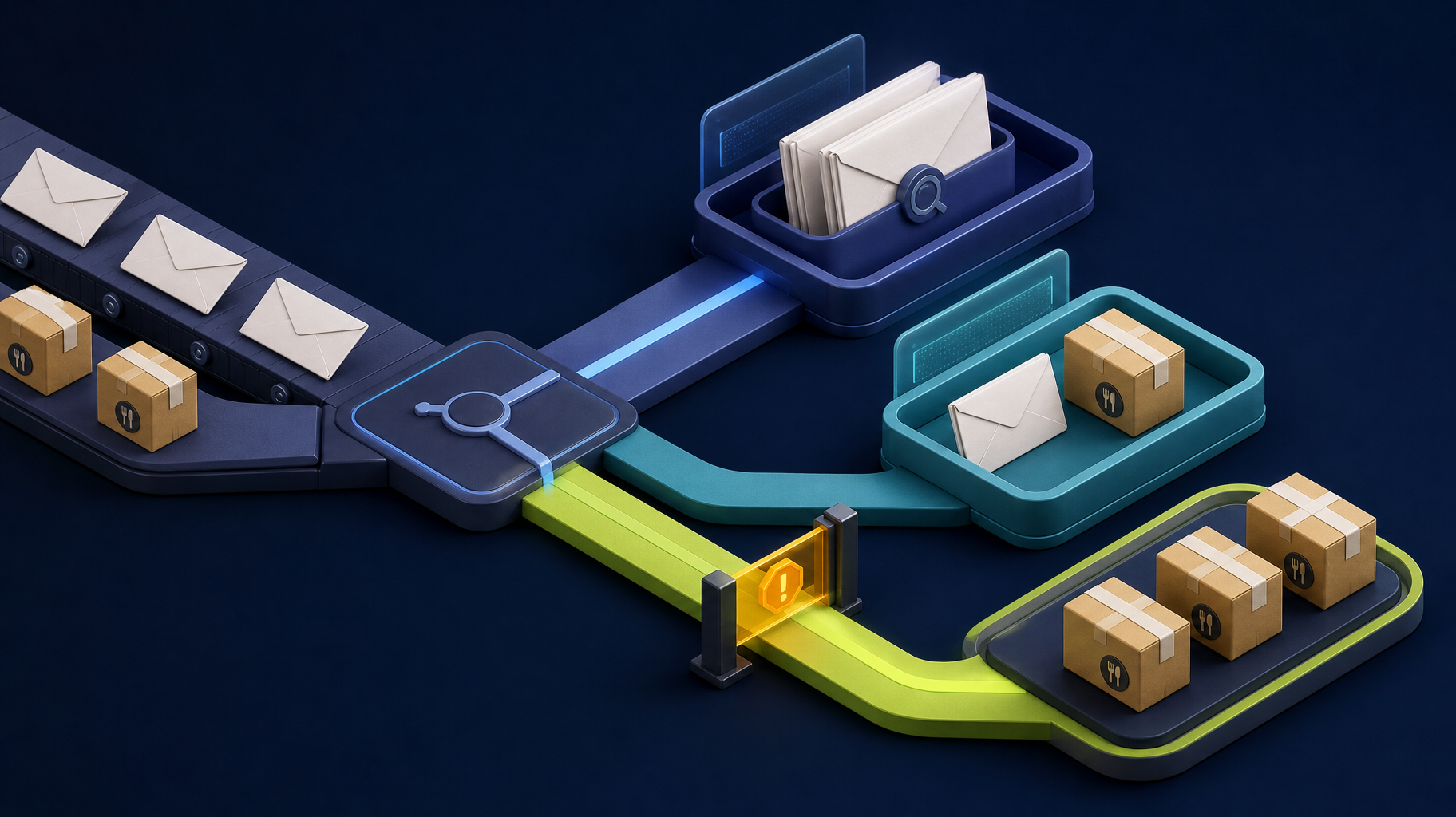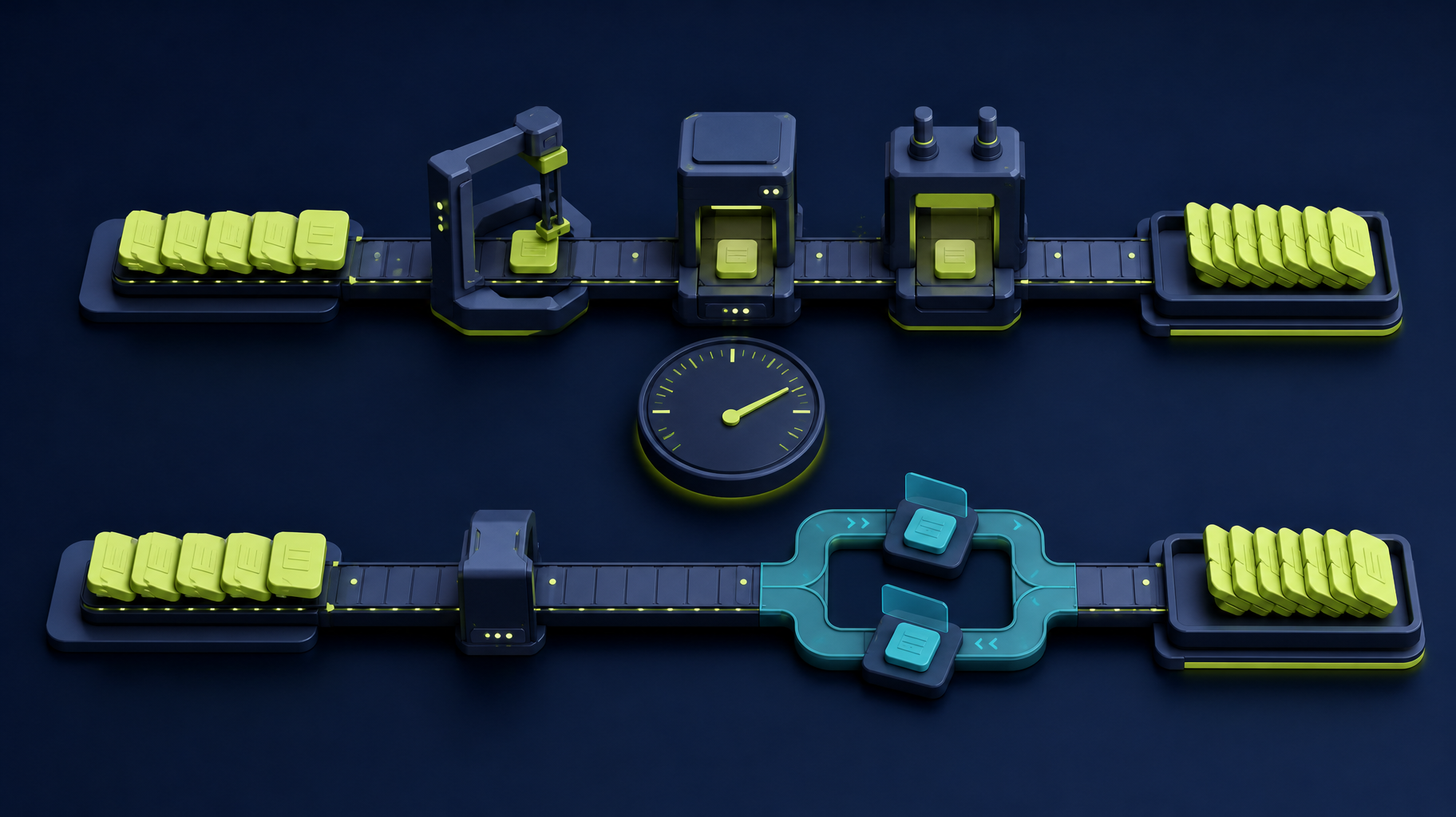
AI automation services are not interchangeable.
Some are tool platforms. Some are agencies. Some are consultants. Some are custom software teams. The right choice depends on what manual task you want to eliminate and how important that workflow is to the business.
If your team spends 80 hours a month copying data, routing requests, or assembling reports, you have several options: connect existing tools, configure a no-code platform, use document AI, hire an automation consultant, or build a custom workflow. The tradeoff is cost, launch time, reliability, staff oversight, and long-term maintenance.
The comparison framework
Use this table before choosing a vendor.
| Criteria | Why it matters | Questions to ask |
|---|---|---|
| Workflow fit | Prevents automating the wrong process | Does the service understand the actual handoff? |
| Integration depth | Manual tasks often exist between systems | Can it connect the tools we already use? |
| AI boundary | AI should not decide everything | What does AI do, and what stays deterministic? |
| Human review | Reduces operational risk | Where can staff approve or correct output? |
| Pricing model | Keeps scope realistic | Is the price fixed, usage-based, or hourly? |
| Ownership | Reduces long-term dependency | Who owns code, data, configuration, and documentation? |
| Maintenance | Automation needs support | Who monitors errors and updates changes? |
This framework is more useful than asking which AI tool is best in general.
Service categories
| Category | Examples | Best for | Watch out for |
|---|---|---|---|
| No-code automation platforms | Zapier, Make, n8n, Power Automate | Simple handoffs between common tools | Fragile workflows when exceptions grow |
| AI document tools | ABBYY, Kofax-style extraction, document AI services | Extraction, classification, summaries | Poor fit if the surrounding workflow is unclear |
| RPA platforms | UiPath, Automation Anywhere, Blue Prism | Repeated screen-based tasks in legacy systems | Maintenance burden when interfaces change |
| CRM/help-desk automation | HubSpot, Salesforce, Zendesk automations | Routing and follow-up inside an existing platform | Limited when work crosses multiple systems |
| AI consultants | Workflow discovery, AI readiness, implementation planning | Choosing the right path before buying tools | Advice without implementation support |
| Custom software teams | Laravel/Vue portals, dashboards, review queues | Owned workflows, dashboards, integrations | Needs disciplined scope and launch plan |
Many businesses need a hybrid: consulting to choose the right path, then implementation to make it real.
Time-to-value comparison
Use these as planning categories, not guaranteed quotes.
| Option | Fastest useful outcome | Best first test |
|---|---|---|
| No-code automation | Days to a few weeks when tools already connect cleanly | Sync one low-risk record type |
| AI document extraction | A pilot after sample documents and review rules are defined | Process 20 real documents and measure correction rate |
| RPA | Works when the screen process is stable | Automate one repetitive legacy-system task |
| Consultant-led audit | 1 week for a clear workflow; longer for cross-team processes | Rank automation candidates before implementation |
| Custom workflow | Scoped after discovery; often justified when ownership matters | Build the smallest review queue or dashboard that removes a repeated handoff |
The right comparison question is not “Which tool has AI?” It is “Which option removes this manual task with the least new operational risk?”
Where AI creates leverage
AI is valuable when manual tasks involve reading, classifying, summarizing, drafting, extracting, or routing information.
AI is less useful when the task is already a clean system update. In that case, an integration may be faster, cheaper, and safer.
What happens when automation fails?
Any comparison should include the failure path.
| Failure | What the service should support |
|---|---|
| Missing data | Validation and exception queue |
| Low AI confidence | Human review before saving |
| API outage | Retry, alert, and no duplicate records |
| Wrong classification | Correction path and feedback loop |
| Sensitive data | Permission checks and audit logs |
If a service cannot explain the failure path, it is not ready for a workflow that affects customers, billing, compliance, or operations.
When Somnio is the right option
Somnio is a fit when the business needs more than a simple automation recipe.
Examples include:
- Intake and routing workflows.
- Manual data entry replacement.
- AI-assisted internal tools.
- Dashboards and reporting systems.
- Custom Laravel/Vue applications.
- AI MVPs with source-code ownership.
We start with workflow clarity, then recommend the smallest reliable implementation.
Somnio is not usually the right option for a simple one-step Zapier recipe. We are a better fit when the workflow needs discovery, integrations, review queues, dashboards, custom Laravel/Vue software, or source-code ownership.
Bottom line
Compare AI automation services by how well they eliminate the manual task without creating new operational risk. The best service is the one that understands the workflow, connects the right systems, defines the AI boundary, and gives the business a maintainable result.