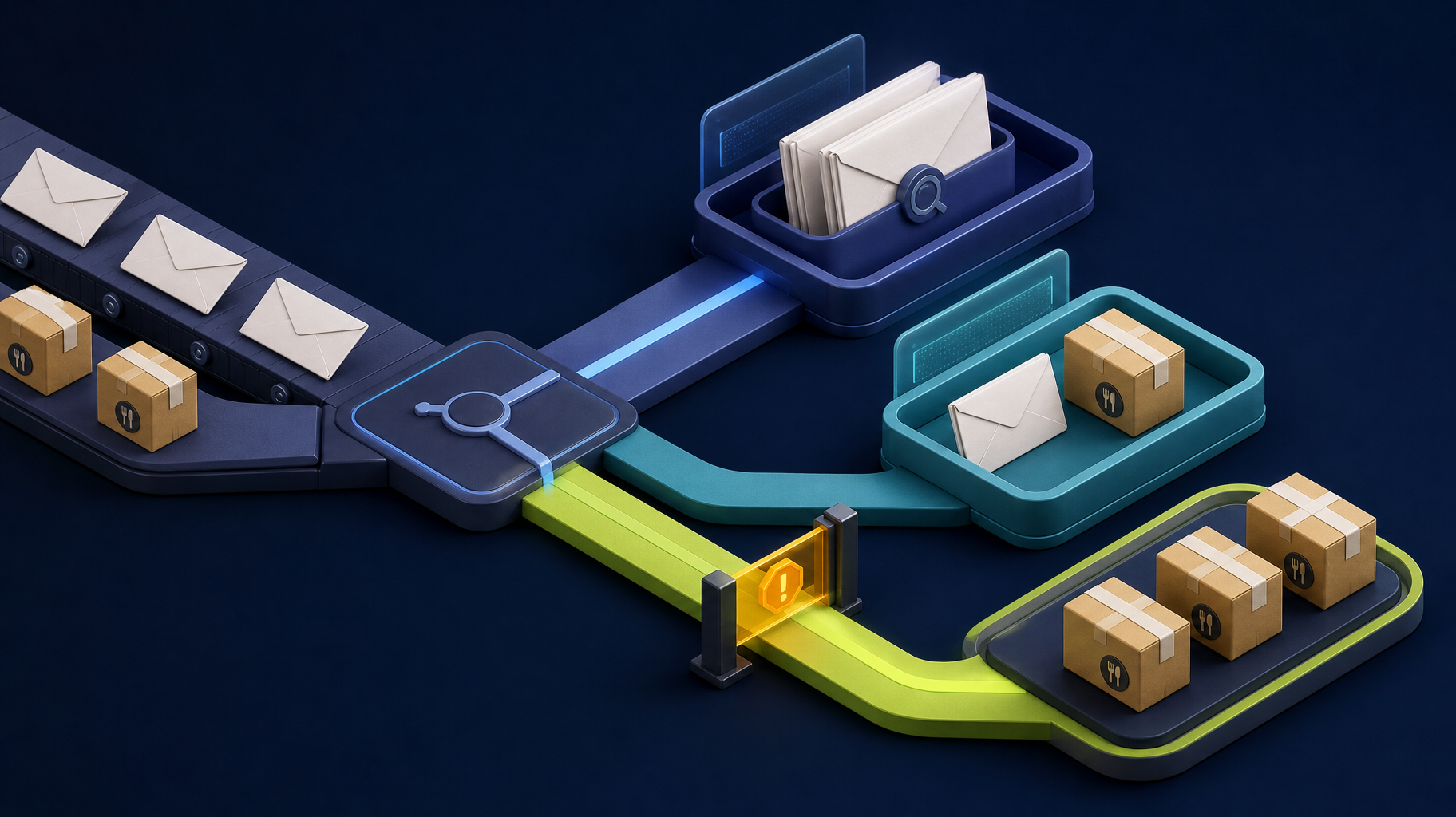
An API is not an integration plan
Businesses often discover an “integration” need after staff start copying the same customer, order, job, inventory, or status information between systems. The natural reaction is to connect the APIs. But a connection can make a broken handoff happen faster if the data rules, source of truth, and exception ownership are unclear.
Direct answer: Integrate one defined business handoff at a time. Identify where the record begins, which system owns it, what changes are allowed, how bad data is stopped, and who resolves a failed sync before writing the connection.
The objective is not more automated traffic between applications. It is a dependable operational outcome with less duplicate work and a visible way to recover when a dependency fails.
Map the handoff from trigger to outcome
Start with the business event, not the products involved. A useful description might be: “When a paid order is confirmed, create or update the delivery record, notify the assigned team, and show an exception if required information is missing.”
Then capture the real path:
| Step | Questions to answer |
|---|---|
| Trigger | What event starts the handoff, and can it occur more than once? |
| Source | Which system receives or owns the original record? |
| Destination | What must exist or change in the next system? |
| Data | Which fields, files, statuses, and identifiers are required? |
| Validation | What makes the record safe to send or accept? |
| Exception | What happens when data is missing, invalid, duplicated, or unavailable? |
| Outcome | How does the business know the work is complete? |
This exercise often reveals that the first fix is a clearer intake form, data cleanup, or a single source of truth rather than an API project. That is a useful outcome. It protects the budget from automating confusion.
Name the system of record for every important field
Two systems can both display a customer or order without both being allowed to edit the same data. Decide which system owns each entity and whether the integration creates, updates, reads, or merely references it.
| Data area | Example source of truth | Common risk |
|---|---|---|
| Customer contact details | CRM | A stale field overwrites a newer customer update |
| Payment status | Payment provider or accounting system | A local status is treated as final before payment settles |
| Job assignment | Operations system | Two teams assign different owners |
| Inventory availability | Inventory or ERP system | A delayed sync promises unavailable stock |
| Delivery status | Dispatch system | A notification is sent from an incomplete event |
The source of truth should be a documented business decision, not an assumption hidden in code. When a conflict occurs, staff need to know where to investigate and which value has authority.
Define mappings and validation before the happy path
Field names that look alike may have different meanings. “Status,” “customer,” “date,” or “total” can represent different business states, identifiers, formats, or rules across systems. Map each required field and decide how the integration handles missing, changed, or unsupported values.
Useful mapping questions include:
- Which identifier lets us recognize an existing record safely?
- Are dates, time zones, currencies, quantities, and units normalized?
- Which fields are required before creating an update?
- Which values are controlled lists, and how are unknown values handled?
- Can a source record be edited after it is sent?
- Are attachments, notes, and historical records included or intentionally excluded?
- Does the destination accept partial data, or should work wait for validation?
Treat validation as an operating control. It is better to hold an incomplete record in a review queue than to create a clean-looking but unreliable record that staff must hunt down later.
Choose the lowest-risk integration approach
An API connection is not automatically the best answer. Match the approach to the workflow volume, data risk, vendor constraints, and support capacity.
| Approach | Strong first fit | Watch for |
|---|---|---|
| Process change or structured form | Inputs are incomplete, ownership is unclear, or the handoff is low volume | Software will only move bad data faster |
| Scheduled export and import | The work is infrequent, review is valuable, and a delay is acceptable | Manual reconciliation and stale information |
| Native connector or iPaaS | The mapping is standard, the vendor supports it, and exceptions are limited | Usage pricing, connector limitations, and undocumented field behavior |
| Custom API integration | The handoff is high-value, unique, or needs controlled validation and workflow logic | Ongoing API changes, rate limits, monitoring, and maintenance ownership |
| Custom workflow application | Staff need queues, approvals, roles, exception handling, and one controlled operational view | Expanding into a replacement for every existing system |
Before funding a custom connection, confirm the vendor plan includes the needed API access, a test or sandbox environment is available when possible, and a business owner can supply representative records and resolve exceptions.
Design for duplicates, delays, and failures
External systems fail. APIs time out, credentials expire, rate limits apply, webhooks are delivered twice, and a user may click submit again after a slow response. A reliable integration expects those conditions instead of treating them as rare surprises.
| Failure mode | Design response |
|---|---|
| Duplicate delivery | Use stable external identifiers so processing the same event twice does not create a second business record |
| Temporary outage | Queue safe retries with a bounded policy and alerting |
| Invalid data | Stop the record, show the reason, and send it to an owner for correction |
| Authentication failure | Alert the accountable administrator before work accumulates unnoticed |
| Rate limit | Throttle requests and keep a visible backlog rather than dropping updates |
| Conflicting change | Apply a documented ownership rule or require human reconciliation |
Do not build a retry loop without a visible exception process. Use a bounded retry policy with increasing delays, then place unresolved records in a controlled review queue. A queue that retries forever can hide a business failure as effectively as a manual spreadsheet. The responsible operator should be able to see what failed, why it failed, what data was involved, and what action will resolve it.
Protect sensitive data and credentials
An integration may handle customer information, payment data, health records, employee details, or business-sensitive operations. Scope permissions and retention according to the data involved. Use the least access the connection needs, keep credentials out of source code, record who controls the vendor account, and define how access is rotated or revoked.
Security and compliance requirements vary by business and data type. The integration plan should identify the risk early and involve the appropriate internal or external specialists rather than treating generic technical controls as a certification or legal conclusion.
Test the business result, not only the endpoint
An endpoint returning a successful response is not the same as a successful integration. Test a representative record all the way through the business process, including what staff see when something is incomplete or wrong.
Before launch, test:
- A normal new record and a normal update.
- A duplicate event and repeated user action.
- Missing or invalid data.
- A temporary destination outage and a safe retry.
- An expired credential or changed permission.
- A rate-limited or delayed response.
- An intentional conflict between systems.
- The reconciliation process, owner, and audit record.
Somnio’s published CRM automation case study involved automatically importing ecommerce orders, linking customer and order records, tracking status, and integrating payment and email systems. The client reported 960 to 1,920+ hours of manual data-entry time saved annually. That outcome is specific to the project and its volume; it demonstrates why integrations should be evaluated as an end-to-end workflow, not as a connector feature.
Build the smallest integration that proves value
Start with the handoff that creates the most repeated work, delay, or error risk. Keep the first scope narrow: one trigger, one authoritative source, one destination, a defined mapping, visible exceptions, and a metric such as hours saved, sync success rate, or faster response time.
If a connection needs broader process mapping before it can be scoped safely, a workflow audit can separate a direct integration from a process fix, AI-assisted review queue, or custom internal tool. The right answer may be smaller than a full platform build.
Bottom line
Reliable software integrations are accountable business workflows. Define ownership, data rules, validation, recovery, monitoring, and reconciliation before connecting systems. Once a team can prove one handoff works under normal and failure conditions, it has a safer foundation for broader automation.
Somnio’s Laravel integration services support APIs, custom application boundaries, workflow automation, and operational software for teams that need a dependable path beyond manual exports and duplicate entry.