Start with the app your team already uses
Your booking app works, but staff now fix failed updates in a spreadsheet. Before funding a rebuild, identify the requirement your current builder cannot meet. This guide is for a team that already has a working low-code app and needs to decide what to keep, extend, or move.
If you are still choosing how to test an idea, start with AI prototyping tools versus a development agency. Here, the decision is about leaving a specific platform without losing the workflow people already use.
Direct answer: Use a low-code builder to learn quickly when the workflow is simple and the risk is low. Move to custom development when a specific requirement—such as permissions, integration reliability, data control, or complex business rules—cannot be met with a clear operating path.
The decision should be based on the product’s next real constraint, not on a general belief that code is always better than a builder.
What low-code tools do well
Low-code and no-code platforms can be effective for a focused first release. They are especially useful when the team needs to test the problem, sequence of screens, or willingness to pay before it knows the full product shape.
| Strong fit for a builder | Why it can work |
|---|---|
| Clickable product concept | Lets users react to a workflow before engineering detail is fixed |
| Small internal tracker | May replace a spreadsheet without a broad integration program |
| Limited user roles | Keeps permission and process rules manageable |
| Standard forms and records | Matches the platform’s built-in data model |
| Short validation experiment | Makes it easier to discard or change a weak idea |
AI features do not change this rule. A builder can call a model API and demonstrate an AI-assisted task. It does not automatically solve prompt controls, customer data boundaries, output review, usage-cost limits, failure handling, or the surrounding workflow.
Test the limits before deciding to leave
A dependable workflow does not automatically require custom software. First test whether your builder can meet the required access rules, workload, and recovery process. Consider custom work only where a confirmed gap creates more cost or risk than the team can accept.
| Signal | Why it changes the decision |
|---|---|
| Customer or regulated data | Access, retention, audit, and vendor controls need deliberate review |
| Complex roles or approvals | Test that each user can access only their permitted records, including through APIs and exports |
| Critical API integration | Duplicate events, failed syncs, retries, and reconciliation need ownership |
| High-volume or time-sensitive work | The team needs measured performance and a recovery path |
| Unique operational workflow | Workarounds become more expensive than owning the logic |
| Product needs a future engineering team | Source, deployment, documentation, and decisions need a handoff plan |
These are not arguments against a builder. They are reasons to make a conscious boundary decision before the prototype becomes business-critical.
Compare the operating model, not the feature list
Two options can show the same screen while creating very different operating responsibilities.
| Question | Low-code builder | Custom development |
|---|---|---|
| Speed to first demonstration | Usually faster for standard workflows | Requires design and engineering decisions first |
| Standard forms and workflows | Often included | Built only when needed |
| Unique rules and integrations | Limited by platform behavior and extensions | Can be designed around the actual workflow |
| Testing and release control | Verify automated tests, staging, version history, and rollback support | Must be designed and maintained for the critical paths |
| Data and deployment control | Shared with platform terms and limits | Can be planned around company-controlled accounts and code |
| Long-term change | May need workarounds as the workflow grows | Requires maintenance, but gives direct control of the product boundary |
| Cost at higher volume | Model seats, executions, storage, and paid extensions | Model hosting, APIs, maintenance, and support as well as the build |
Check what can actually leave the platform
Before approving a migration, ask for an export and test it outside the builder. A data download is not the same as an application handoff.
| Item to test | Evidence to collect |
|---|---|
| Records and files | A sample export that preserves stable IDs, relationships, attachments, and dates |
| Business logic | An inventory of automations, prompts, scheduled jobs, and rules that do not export |
| Accounts and access | A plan for sign-in migration, permission tests, and company-controlled credentials |
| Integrations | A list of webhooks and API callers that must change, including duplicate-event handling |
| Exit terms | Current export rights, cancellation terms, and access to backups after termination |
Name both a primary maintainer and a backup. The office manager who built the app should not be the only person who can explain a failed booking. Confirm source-code and third-party license terms in the ownership policy and the project agreement.
For an illustrative comparison, suppose a builder costs $300 per month and workarounds take 10 staff hours at a loaded cost of $40 per hour. That is $700 per month in combined fees and staff capacity, not $700 in cash savings available to fund a rebuild. A custom quote must include migration, parallel operation, hosting, support, and the manual work that remains. Improving the current configuration may be the cheaper answer.
Custom development is not a free escape from risk. It adds delivery, maintenance, and decision responsibilities. It earns its cost when those responsibilities are necessary to protect a valuable product or operational workflow.
Preserve what the prototype taught you
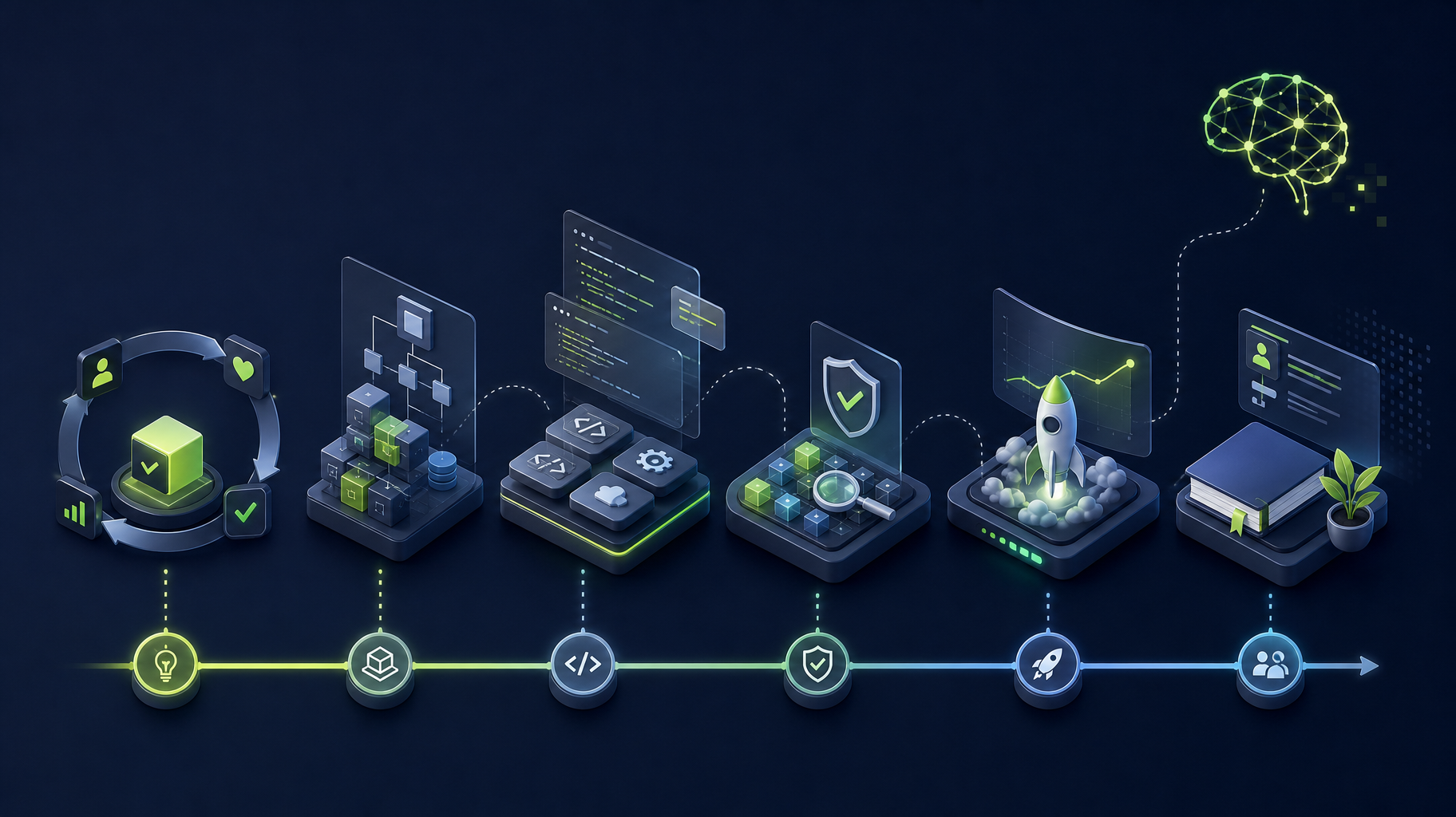
Before a custom build, do not start by copying every screen. Capture the evidence from the prototype:
- Name the user and the one task they return to complete.
- Record the step where they get value and the steps they ignore.
- List the data, permissions, integrations, and failures that the real workflow needs.
- Separate a launch requirement from a useful later feature.
- Define the acceptance check for the first production release.
For example, an internal booking prototype may show that users value a clear confirmation. A production scope may need availability rules, prevention of double booking, payment handling, customer notifications, and an exception process. Chat, recommendations, and a native app may still wait. This is scope discipline, not a reduction in ambition.
Plan the migration as a controlled handoff
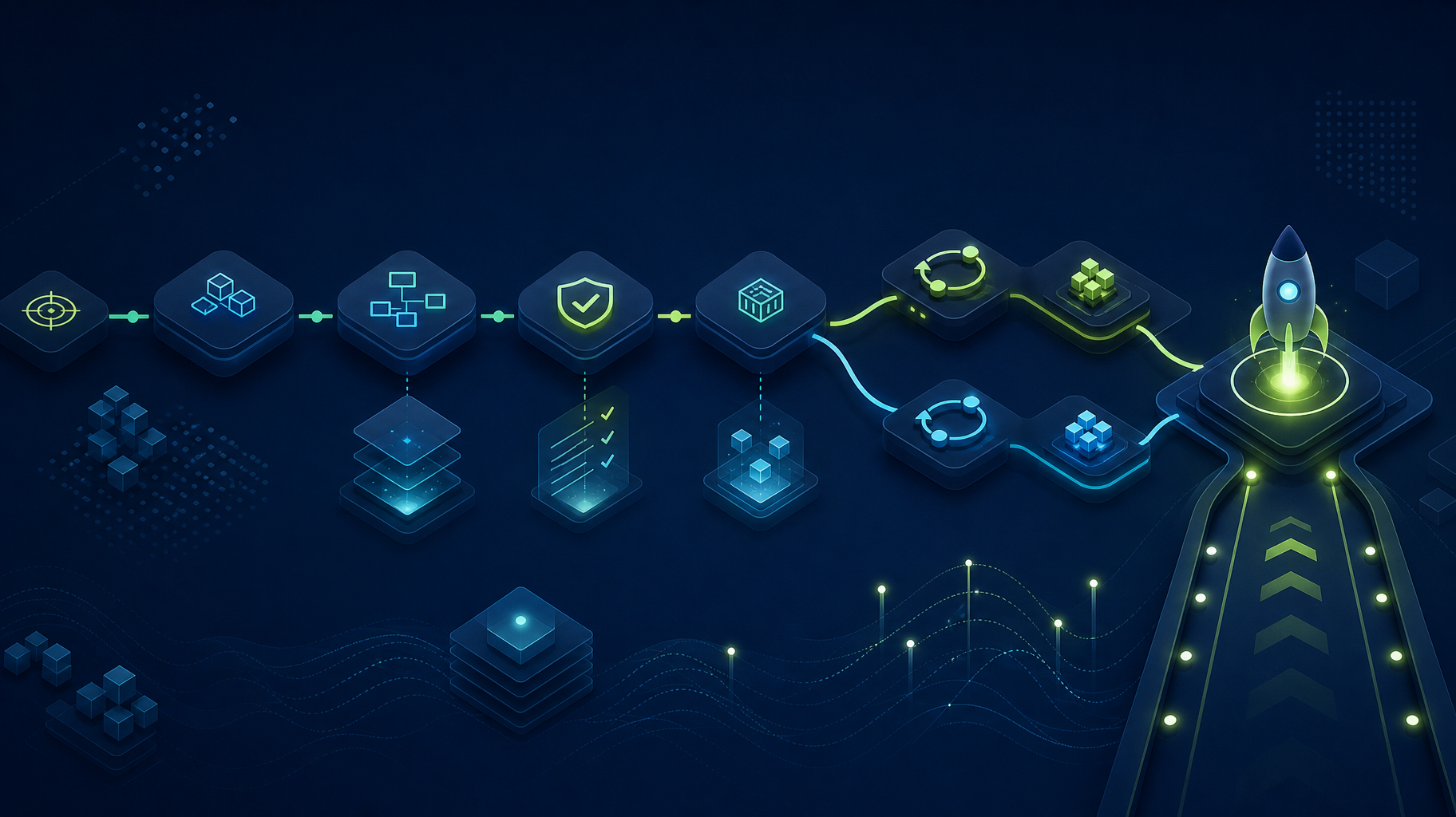
Use a staged cutover rather than two applications writing independently to the same records:
- Keep one system authoritative for bookings while the new path runs on copied inputs with outgoing payments and notifications disabled.
- Compare results for normal bookings, cancellations, duplicates, and failed payments. Resolve differences before moving users.
- Rehearse the final export, import, record-count checks, and a short controlled write pause if needed.
- Move a limited group first. Name the support owner, rollback trigger, and how records created after cutover would be reconciled.
- Keep a read-only copy of the old records until the agreed retention and verification period ends.
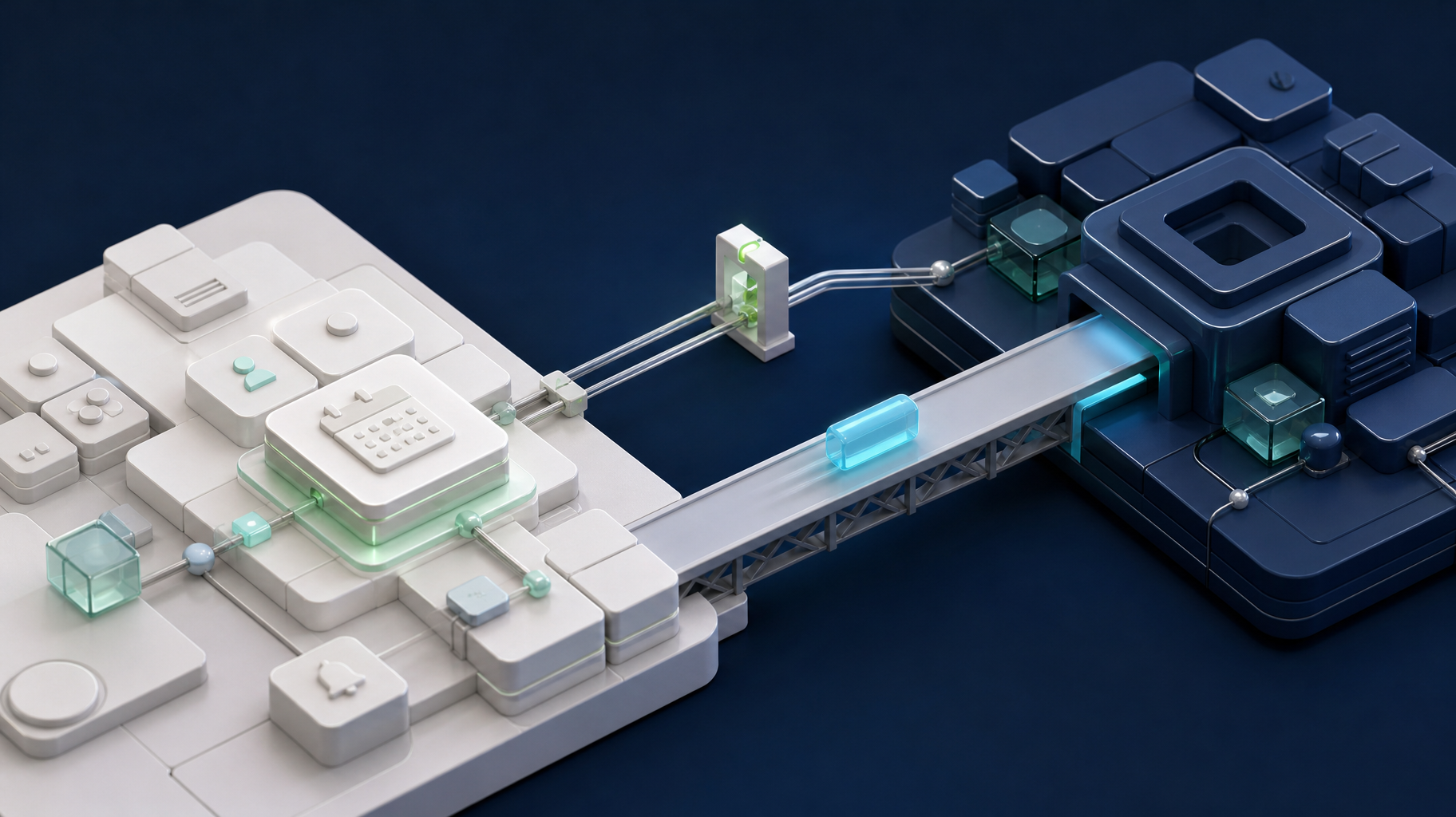
You can retain the builder for internal administration while moving only the customer-facing booking flow. Test the connection between them as carefully as the new application.
Use the business software integration checklist when the prototype must exchange data with other systems. It helps define source-of-truth rules, validation, duplicate prevention, retries, and reconciliation before a migration creates a second unreliable data path.
For a related migration example, Somnio replaced two native applications with one offline-capable PWA for a food-processing facility. This was not a low-code migration. The published case study reports a 95% reduction in monthly app maintenance cost for that project; it illustrates a delivery-model change around offline floor use, not an expected return from leaving a builder.
Ask these questions before funding a rebuild
- What user task must work reliably at launch?
- Which builder limitation is creating business risk today?
- What data, accounts, code, and documentation must stay under company control?
- Which integrations need visible failure handling?
- What can remain in the existing tool for now?
- Who will own deployment, support, and the next change after launch?
The MVP development agency versus freelancer guide can also help founders compare the delivery support required around the code: scope, architecture, QA, deployment, and handoff.
Bottom line
Low-code AI app builders are valuable for learning and may remain the right answer for simple workflows. Move to custom development only when a named production requirement needs more control, reliability, or ownership than the platform can provide. Keep the validated workflow, cut the nonessential features, and fund the smallest custom boundary that makes the product dependable.
For a new product that needs AI features, Somnio’s AI MVP development service offers a focused 12-week package starting at $20,000 when its scope fits. A migration is not automatically included at that price. For an existing internal tool, start with architecture consulting to assess the current limits and migration requirements. Final scope, support, and terms belong in the signed agreement.